Protocols
The protocols that are included in ATraqII are the standard Ademco Contact ID, SIA, 4by2 and Highspeed. If the panel has a special protocol, these could be added into the system by our team to make sure the system is working at full speed.
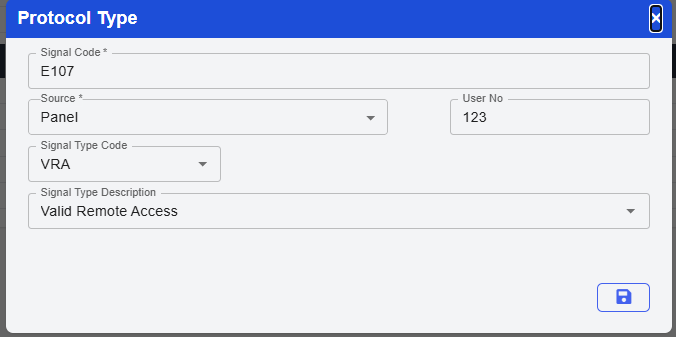
Click Add or the edit icon to see the which signal type the protocol is associated with. After you have chosen the Signal type or added a new protocol, click on save to end adding a protocol into the system.
If you want to make subtle changes to a protocol instead of entering the entire protocol, first go and click on copy icon of the protocol that you wish to copy and then enter the new name you wish this copied protocol to be, then click on save and you’re done.