Panels
The panels are very similar to the Desktop version of panels. The biggest difference is that you can now store the logo and pictures of the panel.
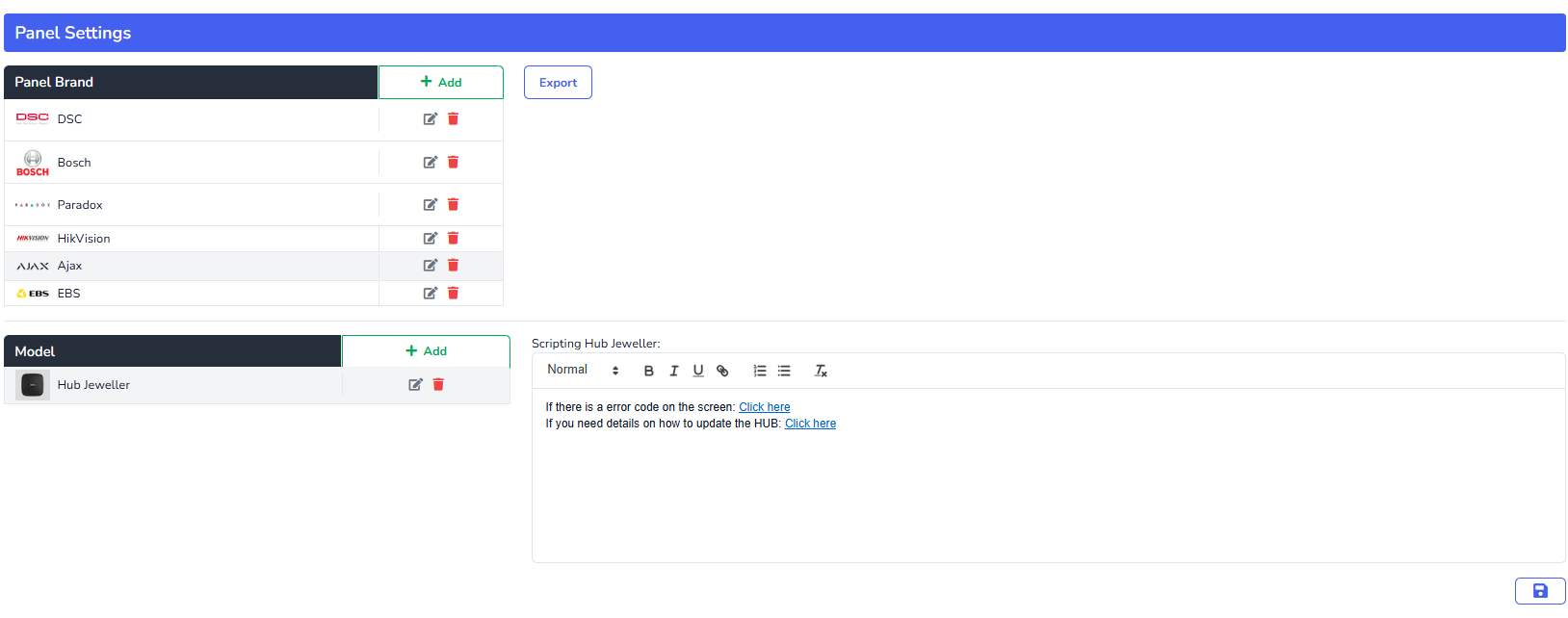
Click on Add to add a panel brand, in the pop-up, type in the panel brand and then either upload or choose a brand photo.

To upload an image, click on upload image and you should see a screen like this:
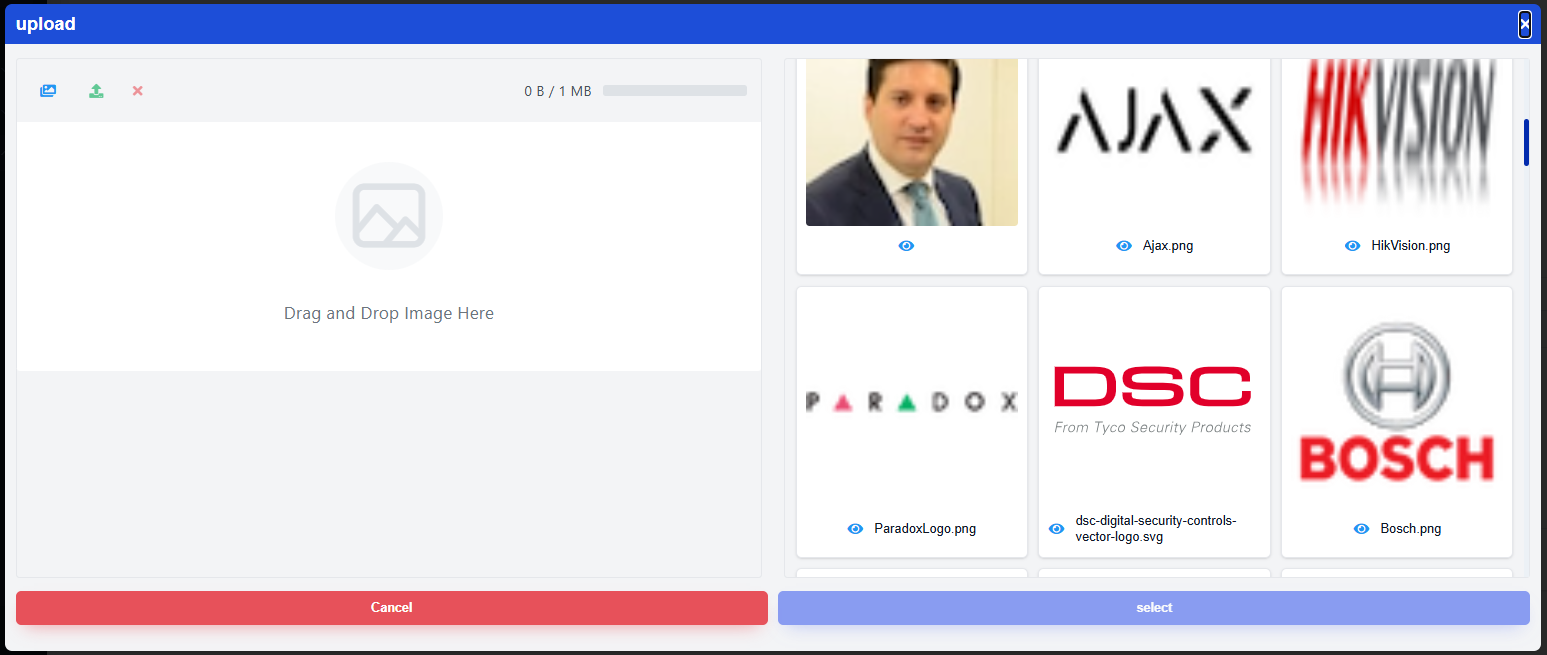
In the top left corner click on the picture icon to upload from the computer the image you want. Make sure that the picture choose is within the file size requirements. Once you see the picture in the screen click on the upload icon and you should now see the picture in the right uploaded pictures album. Choose the picture and click on select.