Signals
The signals sub-menu comprises 4 sections: All live signals, Signal History, Alarms and Pending signals.
All live signals
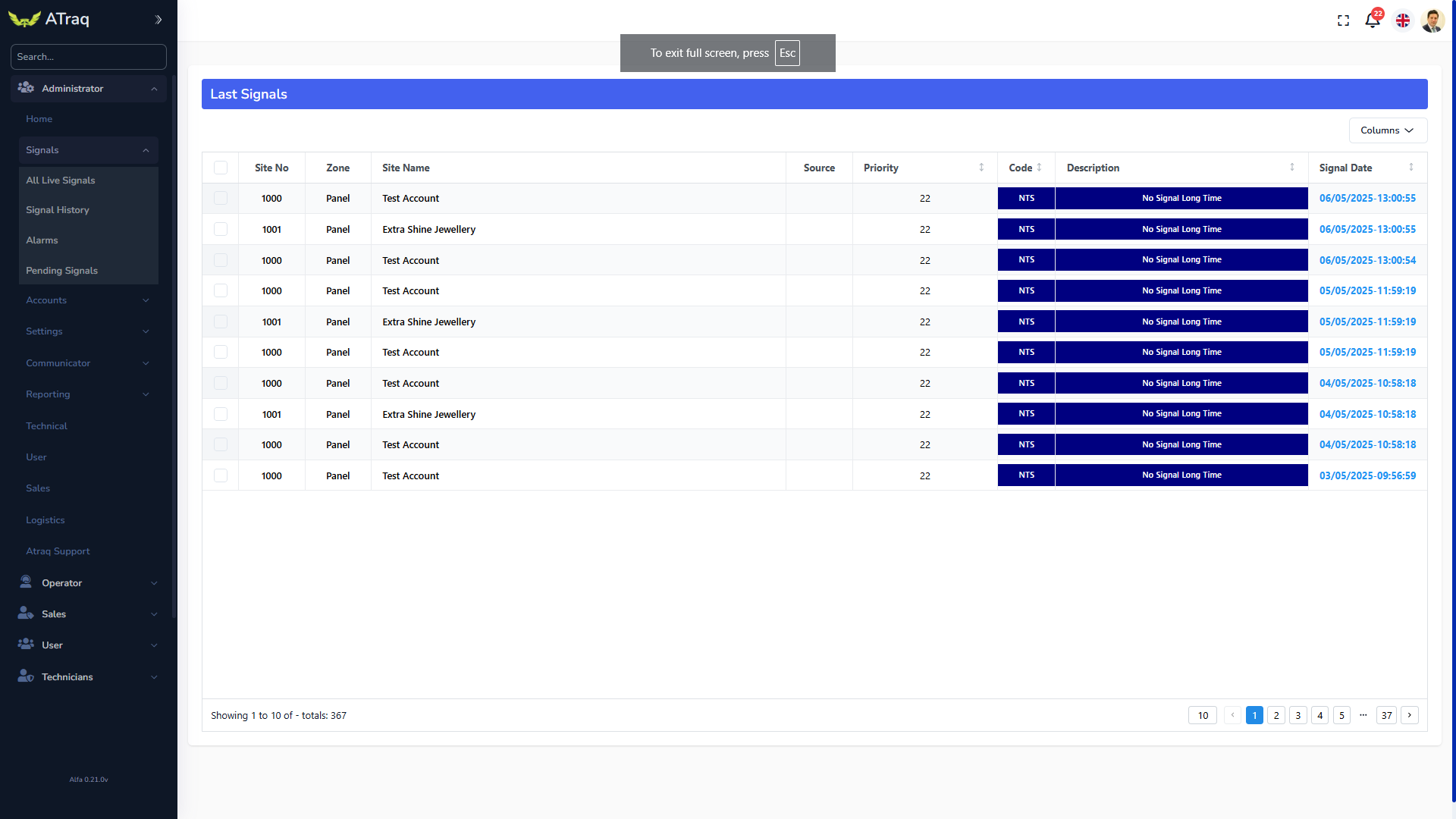
This window shows all of the signals in just one screen as they all just come in. The number of signals is limited to that one screen. So if the resolution is higher, there are more signals you can see. One idea is to put this screen in place where customers can see the flowing real time data. It really is very inspiring.
Signal history
This is a screen for anyone with access to filter signals. It’s generally used if a certain signal is searched. The filter is so detailed, you can filter through all of the fields in the database. It’s easy and it’s very dynamic. Once a filter has been set, you can download the signal in a very detailed table that can be used in MS Excel, Google Sheets, HTML or XML.
Alarms
The alarms section is one of the most used sections in ATraq as the operators are constantly looking at this screen to evaluate incoming alarms. More details will be given on this item in the Operator menu.
Pending signals
This is a screen to follow up signals that have been put on hold and the operator is either waiting for the user to acknowledge some alarm from a site, or waiting for a restore for an alarm. As the evaluation has already started with this specific signal, the report would already be partially written and any operator can continue with the alarm from where the last operator left off.
This section is also used in intervention as an operator dealing with the alarm is tracking the progress through phones or radios and making sure that the off site security personnel is safe and intervening according to company SOP’s (standard operating procedures).