Operators
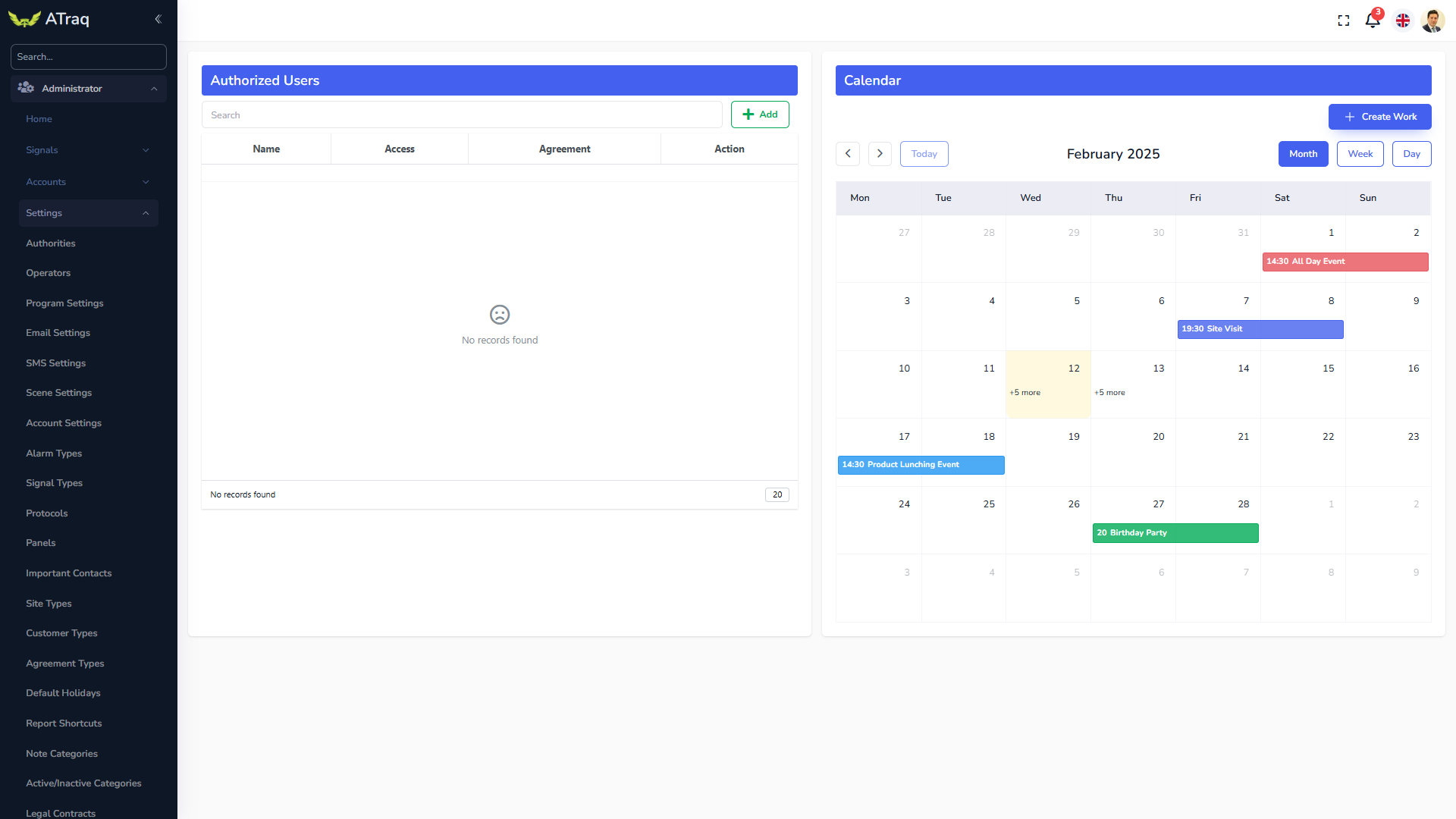
The operators screen is where we define the operators. By clicking on add you can add a contact to the operator list. If the required contact is not in the system, then you must create the contact using the CAP.
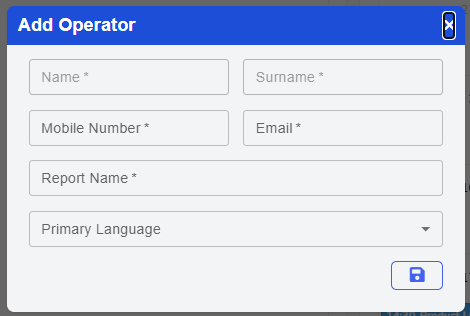
Please note that there is a field that is special for the operator. That is the Report Name. As the operator or the company may not want the real name of the operator to be seen in the reports provided to the end user, they can choose a Report Name that will be used instead.
On the calendar, you can assign work days to your operators.
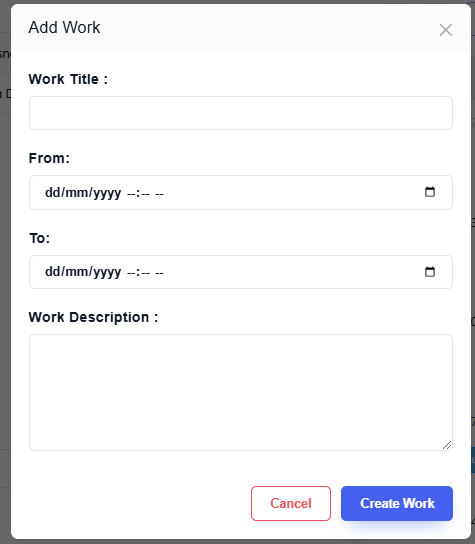
First you assign a shift by clicking on Create Work. Then you assign this shift to your operators. As soon as a shift is assigned and approved, an email is sent out to the operator so they can view and, if necessary, manage their shifts.