Notification
The new ATraqII now has all of the notification settings in the one screen. As ATraqII develops and the need to communicate with customers through other means of media, this menu will be developing in parallel. At the moment we provide the following notification services:
- SMS Gateway
- Email Gateway
- AutoDialler©
- WhatsApp[1]
- JSON
These notification services can all be set from this single window. We can use notification services for the following messages:
- New users of systems for their GDPR compliancy.
- New operators for ATraq
- New technicians
- New company employees
- New emergency contact
- New customer user for reports like daily open/close reports
- New sales personnel
- Email Gateway (sending emails for certain signals/alarms)
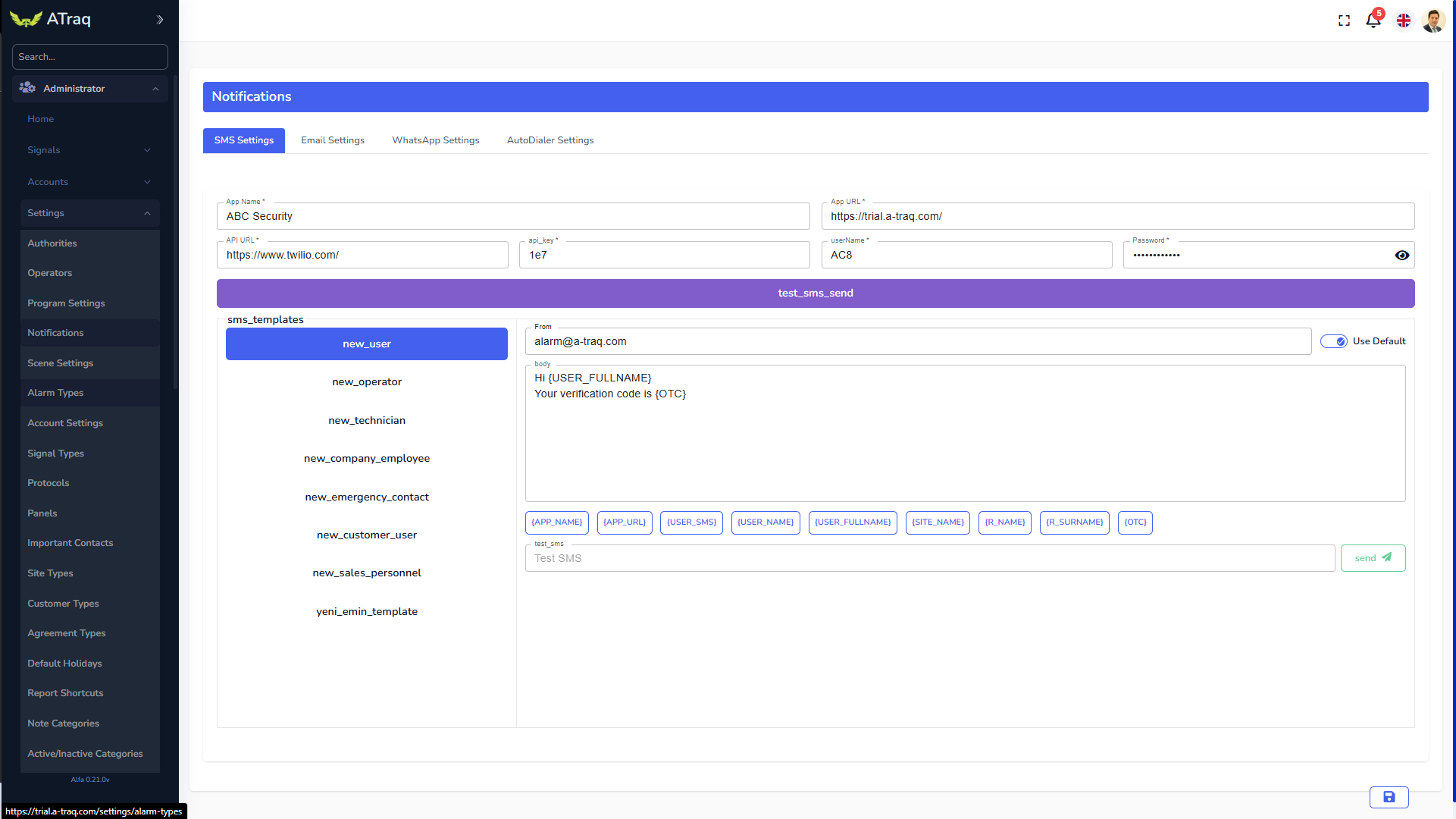
Once you set the top part of the Email Settings, you can just click on the “Send Test Email” button to receive a test email to see if the settings actually work.
You can start creating your email template for any of the above mentioned emails. Please note that the text area is to be prepared in HTML. It is recommended that you have someone with HTML experience to create this email template. You can use the place holders anywhere in the template to customise it.
Once you have completed the template, enter your email address in the text field on the button of the template and click on send to see your design. If you are happy with the outcome, click on save and you now have a new template. Please repeat this for all of the other situations.
You can now do these settings for all of your other services/gateways. Don't forget to click on the Save icon after every change.
[1] WhatsApp is a registered tradmark of Meta