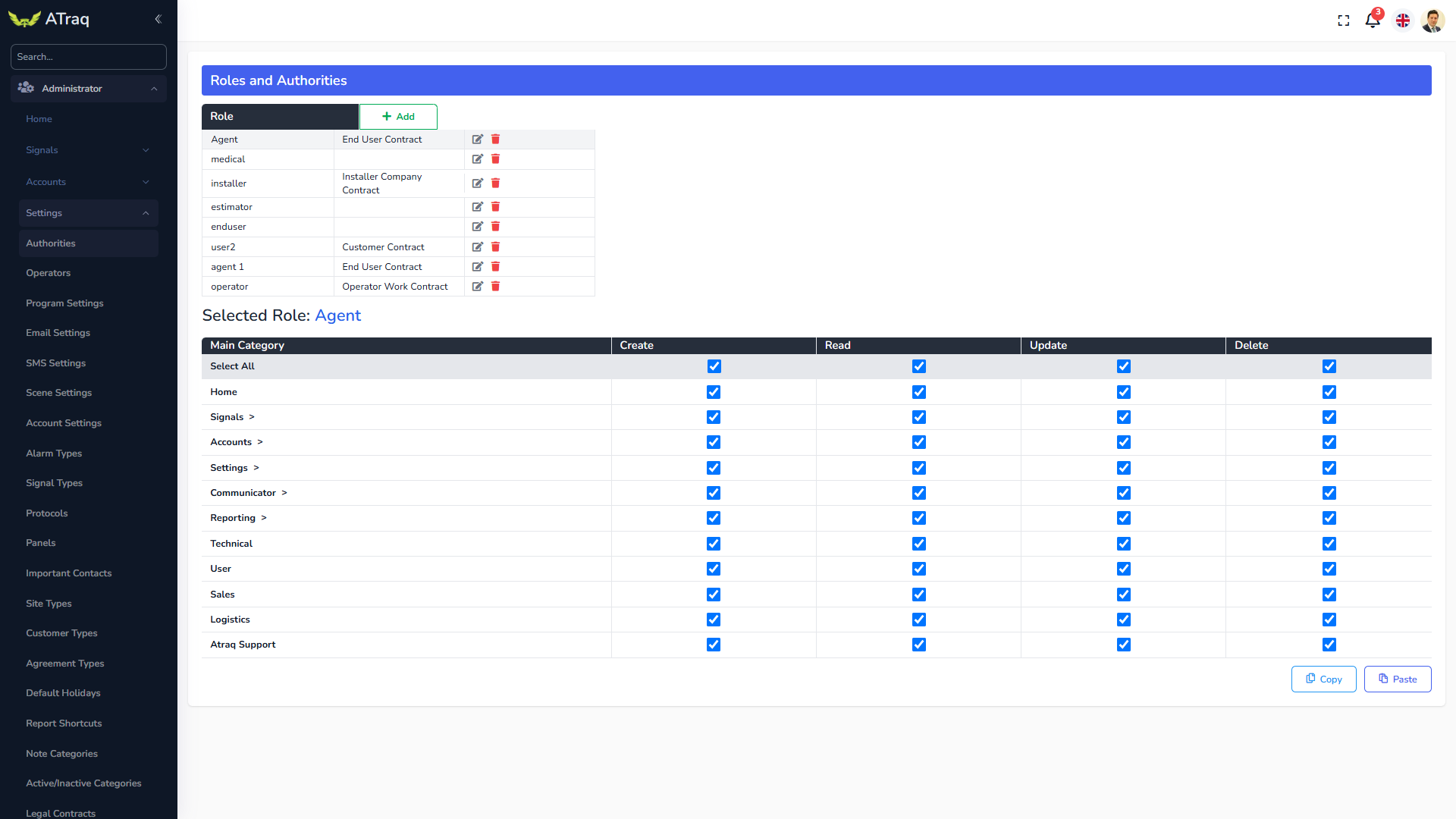
Authorities
The Authorities screen is to determine the authorities given to each personnel groups. Unlike in Atraq Desktop, we are now creating a Role and assigning this role to the contact. If they are to be an operator and technician for example, they can access the details of both roles simultaneously.
Click on Add to add a new role and just click on the CRUD (Create, Read, Update and Delete) checkboxes for each field. They will be stored as soon as you check or uncheck a box. If you want to create a slightly different role and instead of doing everything from scratch, just copy the role you wish to use as a sample and paste it into the newly made role.